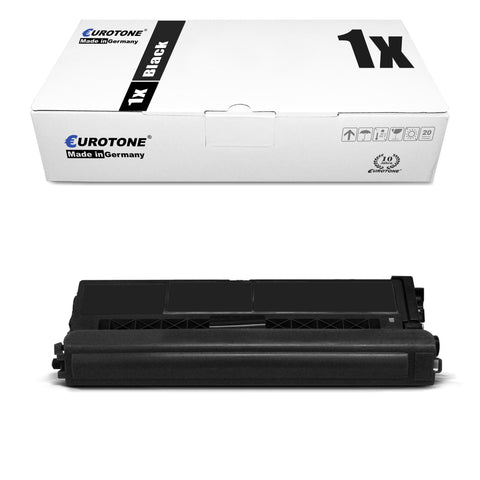
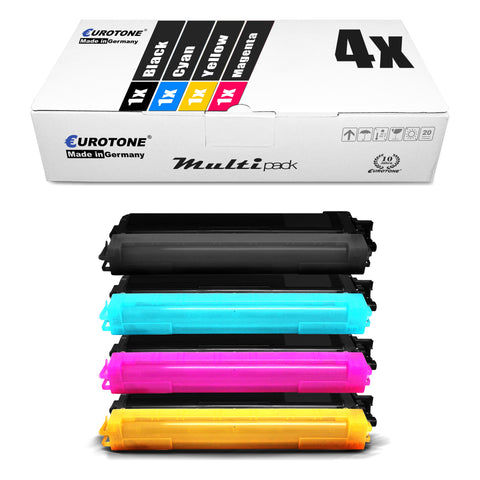
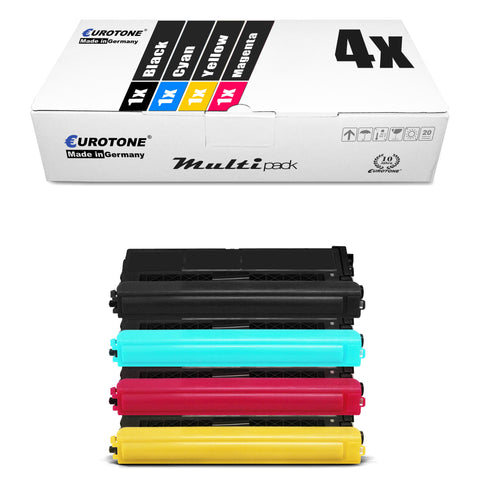
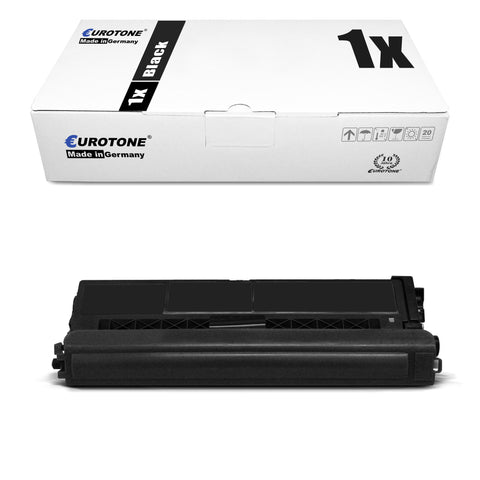
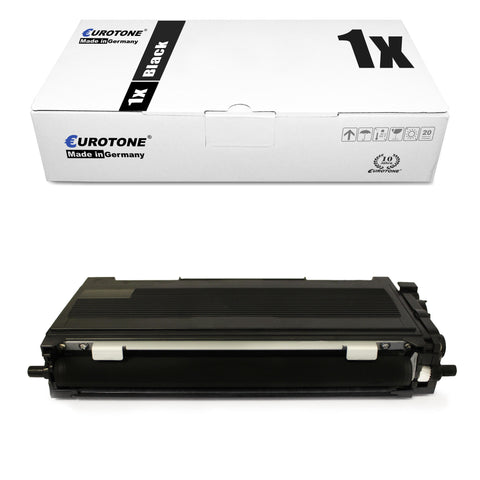
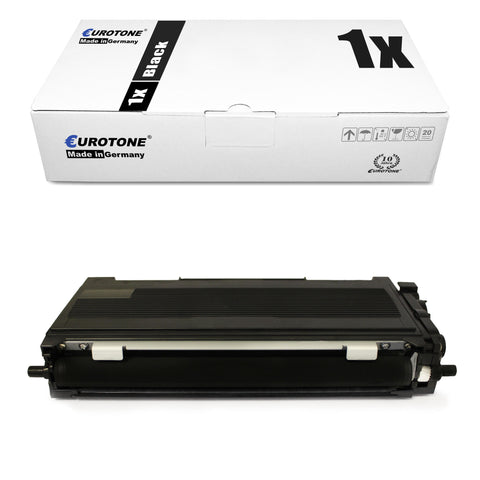
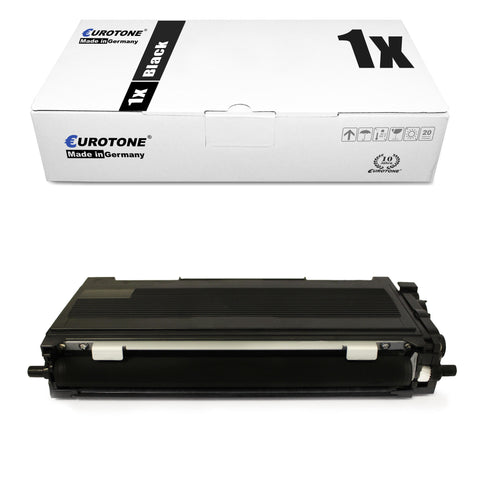
Buy Brother toner at a great price – compatible toner cartridges

Find compatible Brother toner and toner cartridges For numerous Brother laser and LED printers. Choose black or color, single cartridge, XL/XXL version or multipack, and compare the part number with your existing cartridge before purchasing.

Buy Brother toner at a great price: matching the part number and printer model.

In this category you will find compatible items. Brother toner and toner cartridges For numerous black and white and color laser printers. The range includes individual printer toners in black, cyan, magenta, and yellow, as well as XL/XXL versions and convenient multipacks. This allows you to select the cartridge that specifically matches your Brother printer, your print volume, and your actual color requirements.

The surest way to find the right Brother toner is by using the exact TN number or the complete model name of your printer. Designations like TN-1050, TN-2000, TN-2010, TN-2120, TN-2220, TN-2320, TN-2420, TN-241, TN-245, TN-242, TN-246, TN-421, TN-423, or TN-426 each refer to specific toner series and device groups. Even minor differences in the number can indicate a different fit, color, or page yield.

Therefore, before ordering, compare the information on your current cartridge with the product description. Alternatively, you can test your device via our Printer search by manufacturer and printer model Select this option. There you will be taken directly to the appropriate toners and other consumables.

How do I find the right Brother toner cartridge?

There are three reliable options available for selecting a compatible Brother toner cartridge:

  1. Compare TN numbers: The toner number can be found on the installed cartridge, the packaging, or in the user manual. Pay attention to the complete designation, including any color or XL markings.
  2. Use printer model: The exact model name can usually be found on the front or top of the printer. Letters and suffixes such as D, DN, DW, CDW, or MFC are also important.
  3. Read the compatibility list: Each product page lists the compatible Brother printer models as well as the OEM and reference numbers they replace.
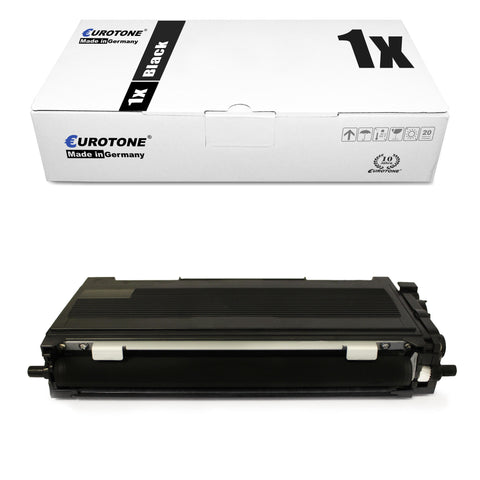
Don't rely solely on the visual similarity of a cartridge. Two Brother toner cartridges can look identical externally and yet be intended for different printer series. The TN reference and confirmed device compatibility are always crucial.

Brother toner for HL, DCP and MFC printers

Brother uses different model series for standalone printers and multifunction devices. Selecting the correct device series allows you to more quickly narrow down the selection of suitable consumables.

Brother HL and HL-L Toner

The HL and HL-L series primarily comprise compact black and white and color laser printers for home offices, workplaces, and businesses. Suitable model categories include, for example... Toner for Brother HL-L2352DWBrother HL-2240D Toner and Toner for Brother HL-L3210CW.

When choosing a cartridge, in addition to the model number, you should check whether you need a standard cartridge or a higher-yield version. For regularly used office equipment, an XL or XXL toner cartridge can reduce the frequency of replacements.

Brother DCP and DCP-L Toner

DCP devices typically combine printing, scanning, and copying functions. Depending on the model, they use either black toner or multiple individual color cartridges. Examples from our device catalog include: Brother DCP-L2532DW TonerToner for Brother DCP-7055W and Brother DCP-L3550CDW Toner.

Especially with similarly named DCP models, the complete device name is important. A difference in letters or numbers can indicate a different toner series.

Brother MFC and MFC-L Toner

Brother MFC devices combine several office and communication functions. For frequently used models, you will find, among other things... Toner for Brother MFC-L2712Brother MFC-7360N Toner and Brother MFC-L3750CDW Toner.

With a color laser multifunction printer, you may need either a single color or a complete color set. Therefore, check the printer's message and the ink level of each color before ordering a multipack.

Compatible Brother toner cartridges as an alternative to the original

Compatible Brother toner cartridges are offered for use in the listed Brother printer models, but are not manufactured by the printer company. Their fit and use are based on the corresponding TN references, and they represent a cost-effective alternative to original Brother toner.

Which cartridge is best suited depends on the intended use. A standard-capacity cartridge may suffice for occasional printing. Those who regularly create invoices, shipping documents, teaching materials, or large office printouts often benefit from an XL or XXL version.

The purchase price is not the only crucial factor; the relationship between price and stated page yield is equally important. You can find the exact page yield, color, pack size, and compatibility information on the respective product page.

The actual number of pages achievable can be affected by factors such as page coverage, print mode, paper size, and the type of printed content.

Black toner, color toner and multipacks for Brother printers

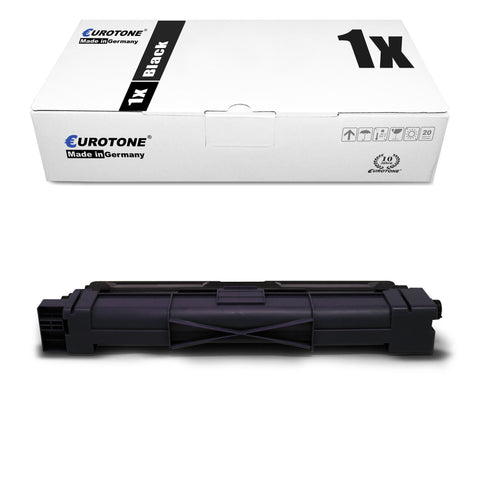
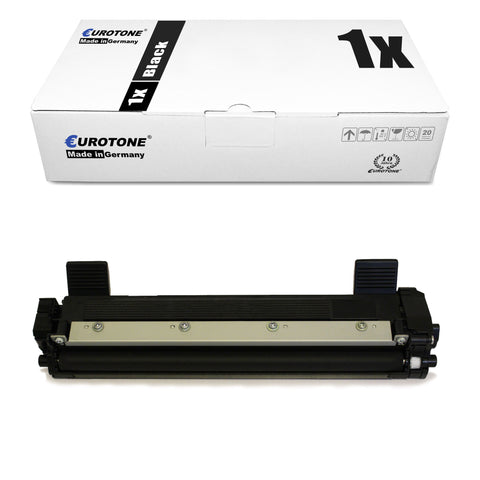
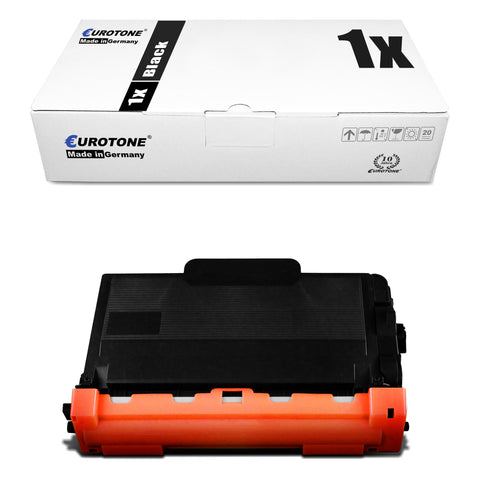
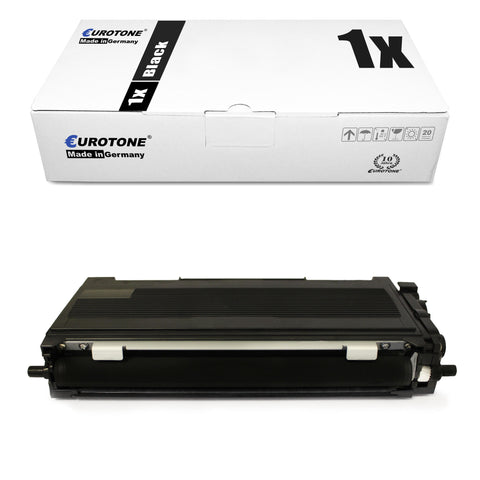
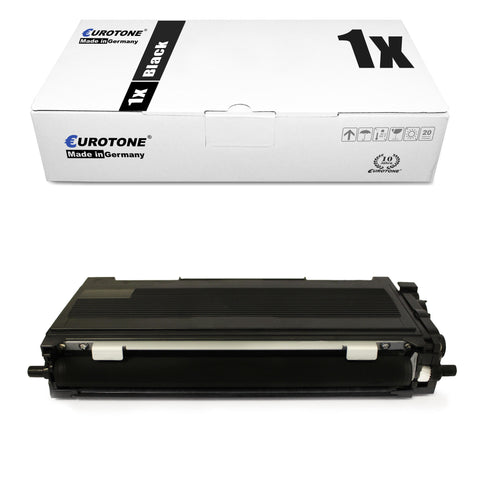
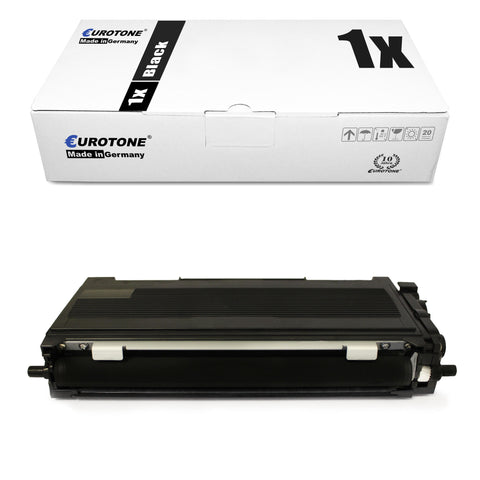
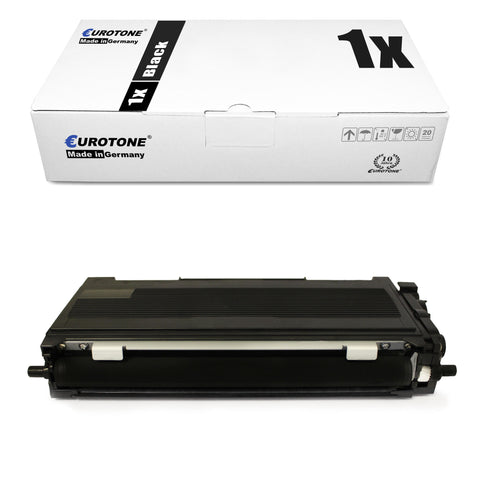
Brother black toner

Black Brother toner cartridges are used for text documents, invoices, correspondence, shipping labels, and many other applications. In black and white laser printers, black is the only toner color. Color laser printers also have separate cartridges for cyan, magenta, and yellow.

Brother color toner

Brother color laser printers typically allow you to replace the colors individually. For example, if only the cyan cartridge is empty, magenta and yellow do not need to be replaced automatically.

When using color toners, pay particular attention to the color additive in the TN number:

  • BK stands for black
  • C stands for cyan
  • M stands for Magenta
  • Y stands for yellow

Brother toner sets and multipacks

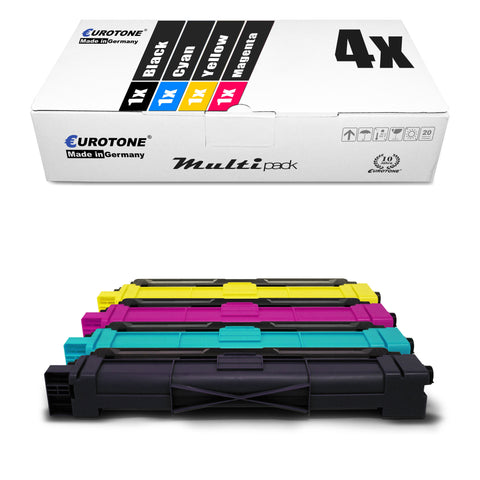
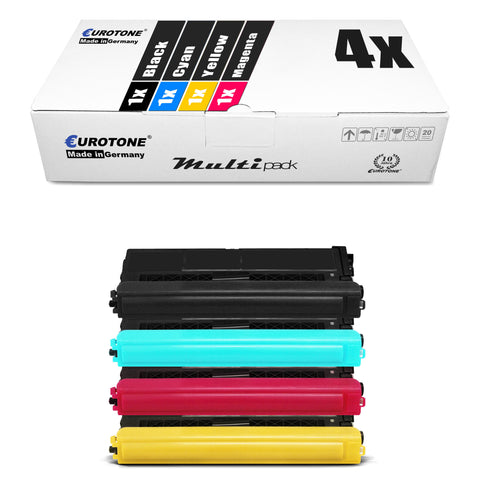
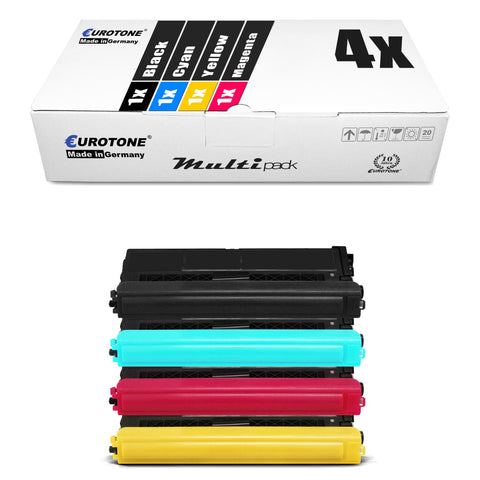
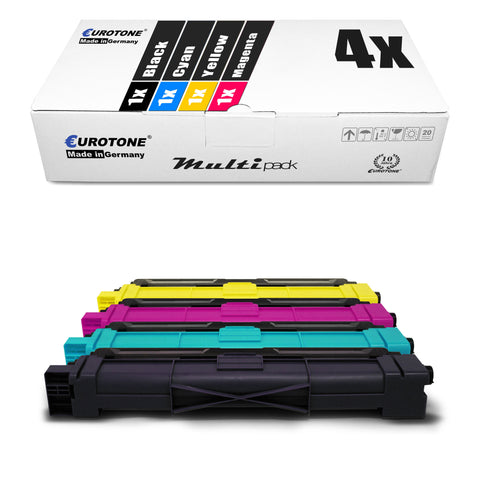
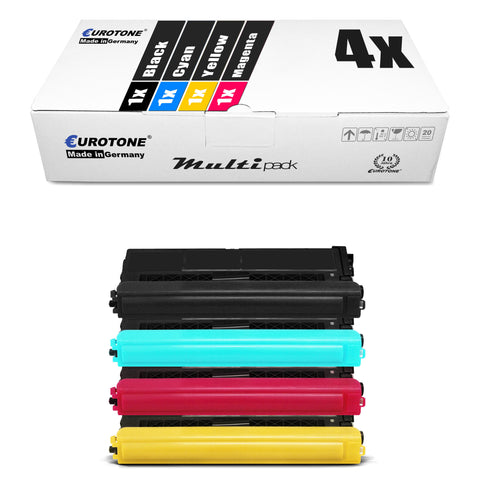
A color set typically contains black, cyan, magenta, and yellow. Multipacks are particularly useful when several colors have a similar fill level or when spare cartridges are needed.

However, compare the specific contents of the package. Depending on the offer, it may be a four-color set, a multi-color set, or a different combination.

Standard, XL or XXL: Which range makes sense?

Brother toner cartridges are offered in different capacities depending on the series. Standard cartridges are particularly suitable for low or irregular printing volumes. XL and XXL versions contain more toner and are ideal for users who print frequently or in larger quantities.

  • Standard range: Suitable for small print volumes and rarely used devices
  • XL toner: Suitable for regular printing in home offices or smaller businesses
  • XXL or high-yield toner: interesting for high print volumes and longer change intervals
  • Multipacks: Practical for color printers or as a supply for several replacement cycles.

Please note that XL or XXL does not automatically mean that the cartridge will fit every device in the same series. Even with a higher page yield, the part number and printer model must explicitly match.

Brother toner and drum: What is the difference?

In many Brother laser printers, the toner cartridge and the drum unit are two separate consumables. The toner cartridge contains the powder from which text and images are created. The drum unit transfers the printed image to the paper.

Both parts are used together in the printer, but do not need to be replaced simultaneously with every toner change.

The labeling helps with differentiation:

  • TN This usually refers to the toner cartridge.
  • DR This usually refers to a drum unit.
  • LC is frequently used for ink cartridges.

If the printer displays "Replace toner" or "Toner empty," you usually need a compatible TN cartridge. For messages like "Replace drum" or "Drum End Soon," you should look for the appropriate DR unit.

If you need a new drum unit instead of a toner cartridge, you can find it in our category. Brother drums and drum units.

Don't buy based solely on its external shape. A toner cartridge can appear smaller because it first needs to be inserted into the separate drum unit.

How to properly replace Brother toner

Turn the printer on or off according to the instructions for your model and open the designated cover. Often, the combined toner and drum unit is removed first. The toner cartridge can then be detached from the drum using a lever.

  1. Remove the new cartridge from the packaging only immediately before insertion.
  2. Completely remove all transport locks and protective covers.
  3. Distribute the toner by carefully moving the cartridge horizontally.
  4. Insert the cartridge into the existing drum unit until it clicks into place.
  5. Slide the entire unit back into the printer and close the cover.

Always follow the operating instructions for your specific Brother model. Do not touch sensitive surfaces of the drum and do not use a damp cloth on the toner cartridge or drum unit.

What to do if the Brother printer does not recognize the new toner?

If the "Replace toner" message persists after replacement, first check the part number, device compatibility, and the correct insertion of the cartridge. Also, check that all protective strips, clips, and transport locks have been removed.

On some Brother models, the toner counter needs to be reset after a toner cartridge change. However, the required key combination varies depending on the device and toner series.

Therefore, do not use just any reset instructions, but choose a procedure that is specifically tailored to your printer model. You can find help in our section. Resetting Brother Toner step by step.

If the cartridge is still not recognized, remove it again and carefully reinsert it. For questions regarding product selection or compatibility, you can contact us via the Eurotone contact page .

Tips for consistent printing and safe storage

Store unopened Brother toner cartridges in a dry place, at a consistent room temperature, and protected from direct sunlight. Keep the cartridge in its packaging until ready to use and avoid extreme temperature changes.

Faded printouts or streaks are not automatically caused by the toner. Check the toner level, the cartridge's proper seating, and the condition of the drum.

Some Brother drum units also have a movable cleaning slider for the corona wire. If you use this, it must afterwards be fully returned to its starting position.

The paper quality and the paper type selected in the printer driver can also affect the print quality. Recurring spots at regular intervals may indicate a problem with the drum or another worn part.

Additional consumables for Brother printers

Eurotone carries Brother toner cartridges as well as other categories for different printing technologies and maintenance parts:

Note the different markings: Brother toner cartridges typically have a TN number, Brother drums a DR number, and ink cartridges often an LC number. An LC cartridge does not belong in a laser printer, and a DR drum is not a replacement for an empty toner cartridge.

Frequently asked questions about Brother toners and toner cartridges

Which Brother toner cartridge fits my printer?

Compare the full model name of your printer and the TN number of your current cartridge with the compatibility list for this item. If you are unsure, please use our Printer search.

What does TN mean in the Brother model?

TN typically identifies a Brother toner cartridge. The following numbers and possible color codes determine the toner series, page yield, and color. The complete reference number is always the decisive factor.

Are Brother toner and Brother drum units the same thing?

No. The toner cartridge contains the toner powder, while the drum unit transfers the printed image. On many Brother devices, both parts are replaced separately. You can find compatible drums at [link to drum unit]. Brother Drum Units.

Do I need to replace the toner and drum at the same time?

Not normally. Replace the consumables that the printer reports as depleted. A drum often lasts for several toner cartridges, although the actual lifespan depends on the device and usage.

What is a compatible Brother toner cartridge?

A compatible toner cartridge is an alternative to the original cartridge designed for specific Brother printer models. Check the product page for the replaced TN reference, color, page yield, and list of compatible devices.

Is a Brother XL or XXL toner cartridge worth it?

For regular or high-volume printing, a cartridge with a higher page yield can reduce the frequency of cartridge changes. Compare the price, the stated page yield, and confirmed compatibility with your printer.

Should I buy individual colors or a multipack?

If you only need one color, a single cartridge is usually the more targeted choice. If several colors are almost empty or you want to keep spares on hand, a multipack can be useful. Check the exact contents of the package before buying.

Why does my printer still show "Toner empty" after I changed the cartridge?

Possible causes include an incompletely inserted cartridge, a remaining transport lock, an incorrect part number, or a toner counter that has not yet been reset. Use model-specific instructions and carefully check each step.

Select the right Brother toner cartridge now

Select the correct toner cartridge based on the TN number, color, page yield, or pack size. If you don't know the reference number, first search for the full model name of your Brother printer.

This way you avoid incorrect orders and find a compatible Brother toner for your device.